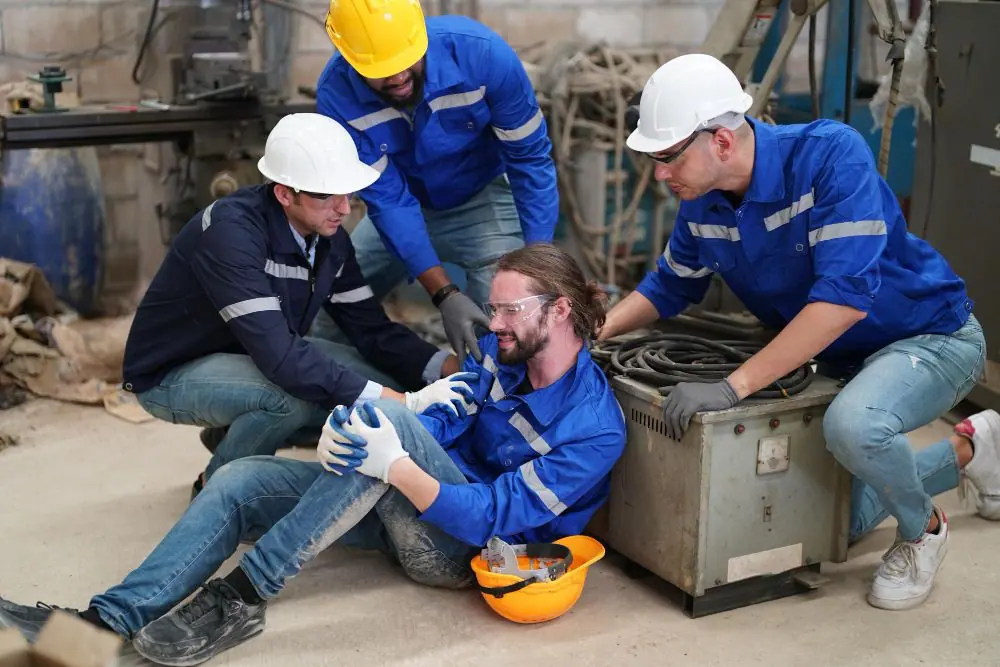
Modern technology plays an irreplaceable role in everyday life and work today. With the growing use of computers and other electronic devices, however, more and more people are experiencing problems that can harm their health. Long hours at a computer are a normal part of working life today, and many employees spend a large part of their working day sitting at a screen. Although this work is not physically demanding, in the long term it brings a number of health risks, especially if ergonomics and regular movement are neglected.
The most common effects of sedentary work on health
Continuous sedentary work, such as computer work, overloads some parts of the body while neglecting others. This one-sided type of strain can lead to a number of health problems. The most common include:
- Back and neck pain – sitting in an unergonomic position for long periods puts pressure on the spine, causing pain in the lower and upper back and the neck
- Carpal tunnel syndrome – working with a mouse and keyboard without proper ergonomics can overload the wrists in the long term, causing pain and stiffness and, in advanced cases, tendon inflammation or carpal tunnel syndrome
- Eye strain – looking at a monitor for long periods leads to tired eyes, burning, blurred vision and headaches. This problem is often caused by excessive exposure to blue light from the screen
- Dry eye syndrome – when working at a computer, people tend to forget to blink, which dries out the eyes and causes discomfort
- Shoulder and elbow pain – a poor position at the computer often leads to tension and pain in the shoulders and elbows, which can develop into chronic problems
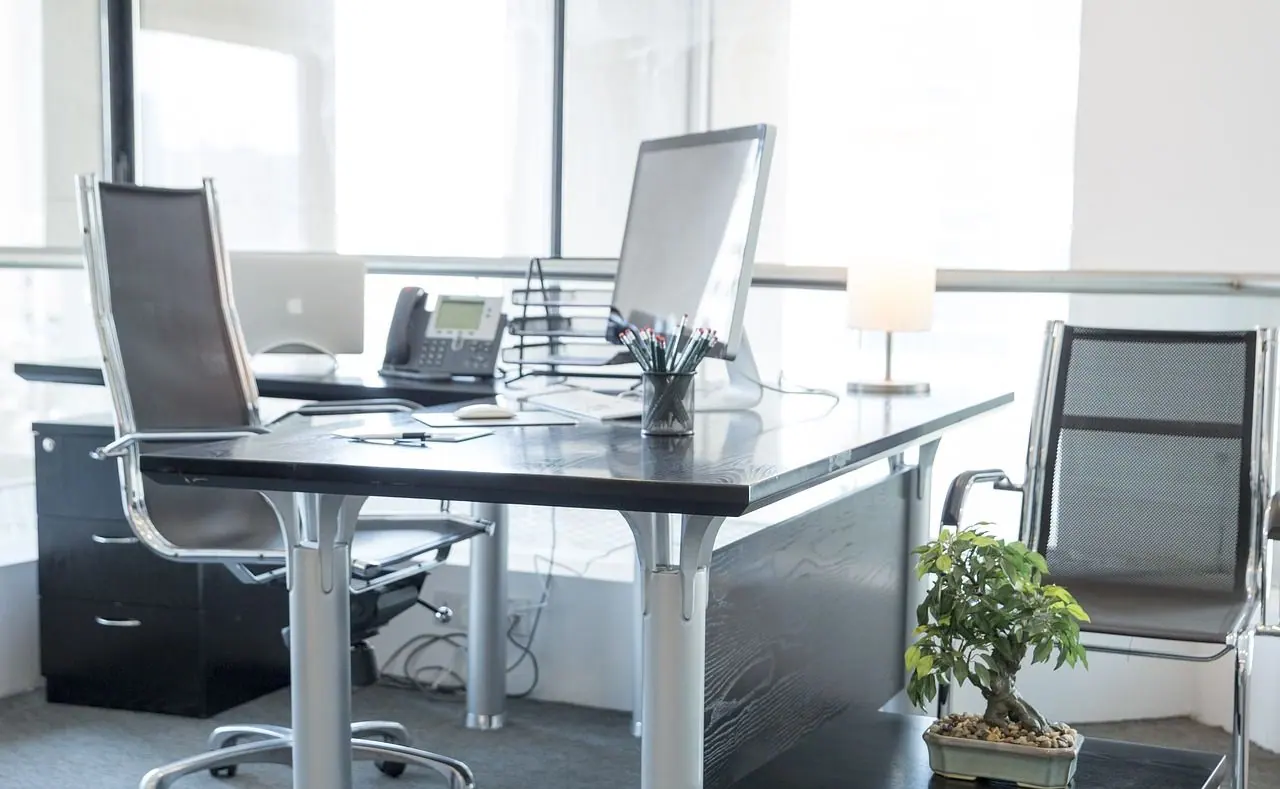
The long-term effects of sedentary work
The long-term health effects of sedentary work are much more serious. Besides musculoskeletal problems, there is also a risk of cardiovascular disease, obesity and type 2 diabetes. A sedentary lifestyle is associated with low physical activity, which adversely affects metabolism and leads to fat accumulating in the body. Lack of physical activity raises blood pressure and increases cholesterol and blood sugar levels, all of which contribute to the development of chronic diseases.
Mental strain
Mental strain is one of the main risks associated with office work. Emotions, mood swings and relationships with colleagues can strongly affect our performance at work. Negative influences such as a poor atmosphere in the workplace, but also a lack of fresh air or unsuitable lighting conditions, can lead to reduced concentration, low mood and eventually burnout. Sick building syndrome, where the working environment is not sufficiently ventilated and lit, can make workers’ mental state even worse.
Visual strain
One of the most common problems when working with computers is visual strain caused by poor lighting or looking at the monitor for long periods. Poor lighting conditions can lead to eye strain, headaches and reduced visual comfort. Long-term exposure to unsuitable light can also cause chronic eye problems.
RSI: repetitive strain injury
RSI is one of the most common health problems associated with computer work. It results from poor ergonomics, when a worker repeatedly performs the same movements, often in an unnatural position. This can lead to pain in the hands, wrists and shoulders, or even more serious damage to the musculoskeletal system.
Ergonomics as the key to prevention
Ergonomics focuses on adapting the working environment so that it puts as little strain as possible on the human body. Good ergonomics at the computer is one of the key factors in preventing health problems and workplace injuries. Here are some basic rules:
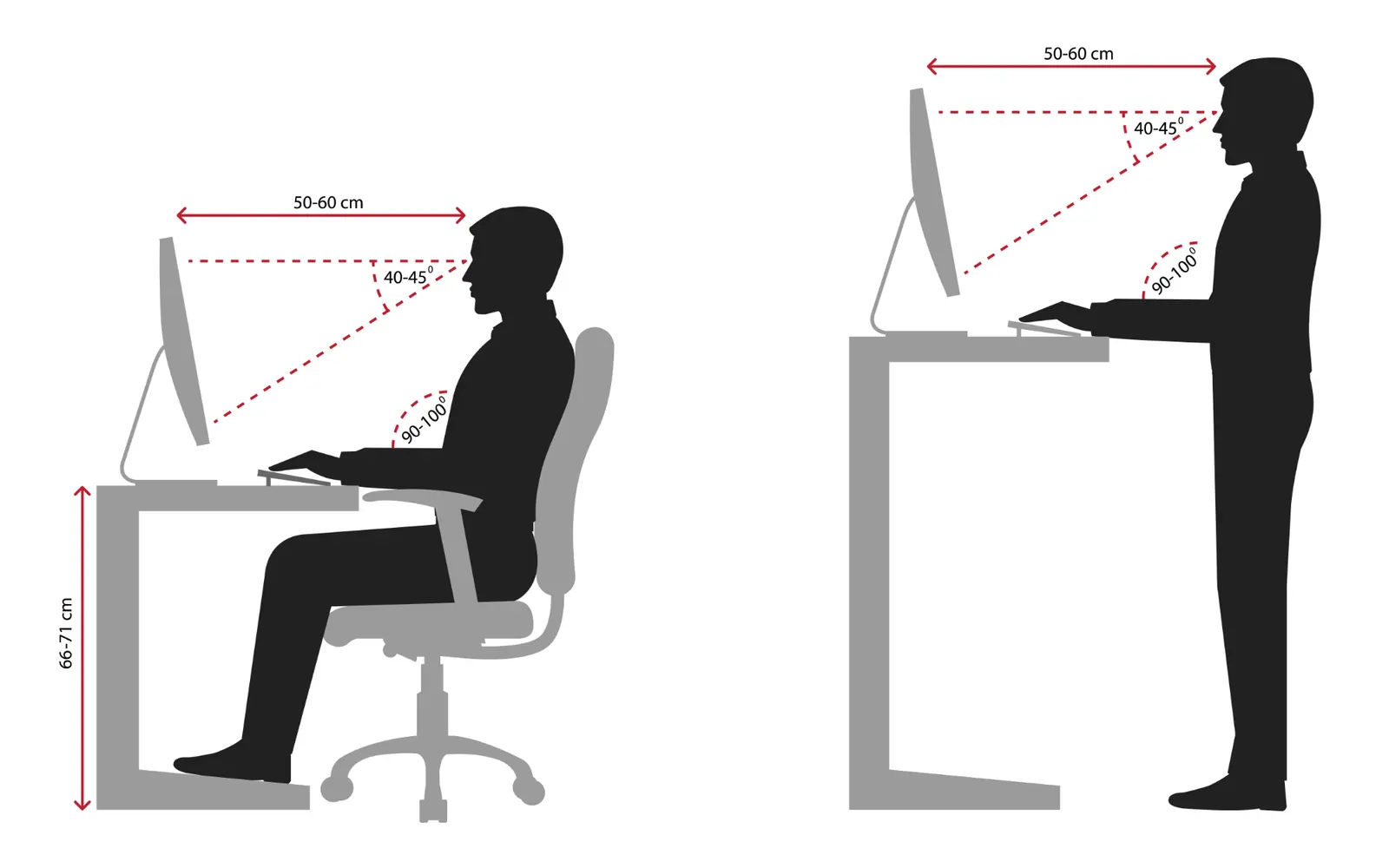
- Monitor set-up – the screen should be at eye level so that the neck and back are not overloaded
- An ergonomic chair – a good chair with lumbar support and adjustable height and tilt is the basis of good ergonomics. Make sure your feet rest on the floor and your knees are at a right angle
- Keyboard and mouse – they should be positioned so that your forearms are parallel to the floor when typing. An ergonomic mouse can reduce the risk of carpal tunnel syndrome
Preventing mental strain
To avoid mental strain, it is important to set up your working environment so that it suits you. Proper lighting, enough breaks and suitable exercise are key to maintaining mental well-being. When working at a computer, it is recommended to stand up every hour, stretch and take a short break to rest your eyes and mind. Regular exercise and deep breathing will not only help you stay mentally healthy, but also increase your overall productivity.
Preventing visual strain
To prevent these problems, it is essential to set up the lighting in the workplace correctly. Natural daylight is ideal, but artificial lighting must be evenly distributed and should not shine directly on the monitor. Make sure there is no reflection or glare on the screen. Ideally, use lights with continuous dimming so that you can adjust the lighting to current conditions.
As for the monitor, modern LCD screens no longer emit radiation like older models, but it is still important to follow basic hygiene principles. Look at the screen from a distance of at least 40 cm, keep the monitor clean and make sure the room is sufficiently humid. This will prevent not only eye problems, but also skin reactions caused by static electricity.
Preventing RSI
To prevent RSI, it is important to follow ergonomic rules when sitting and using the computer. Sit upright, with your elbows close to your body and your hands at the right angle to the keyboard and mouse. The monitor should be positioned so that its top edge is at eye level. The desk height should match the height of your elbows when seated, and your feet should rest flat on the floor.
Aids for preventing health risks
Besides setting up the workspace correctly, there are various aids that can minimise the health risks associated with computer work:
- Blue light glasses – blue light from monitors contributes to eye strain and can disrupt your sleep rhythm. Glasses with a blue light filter protect the eyes and reduce eye strain.
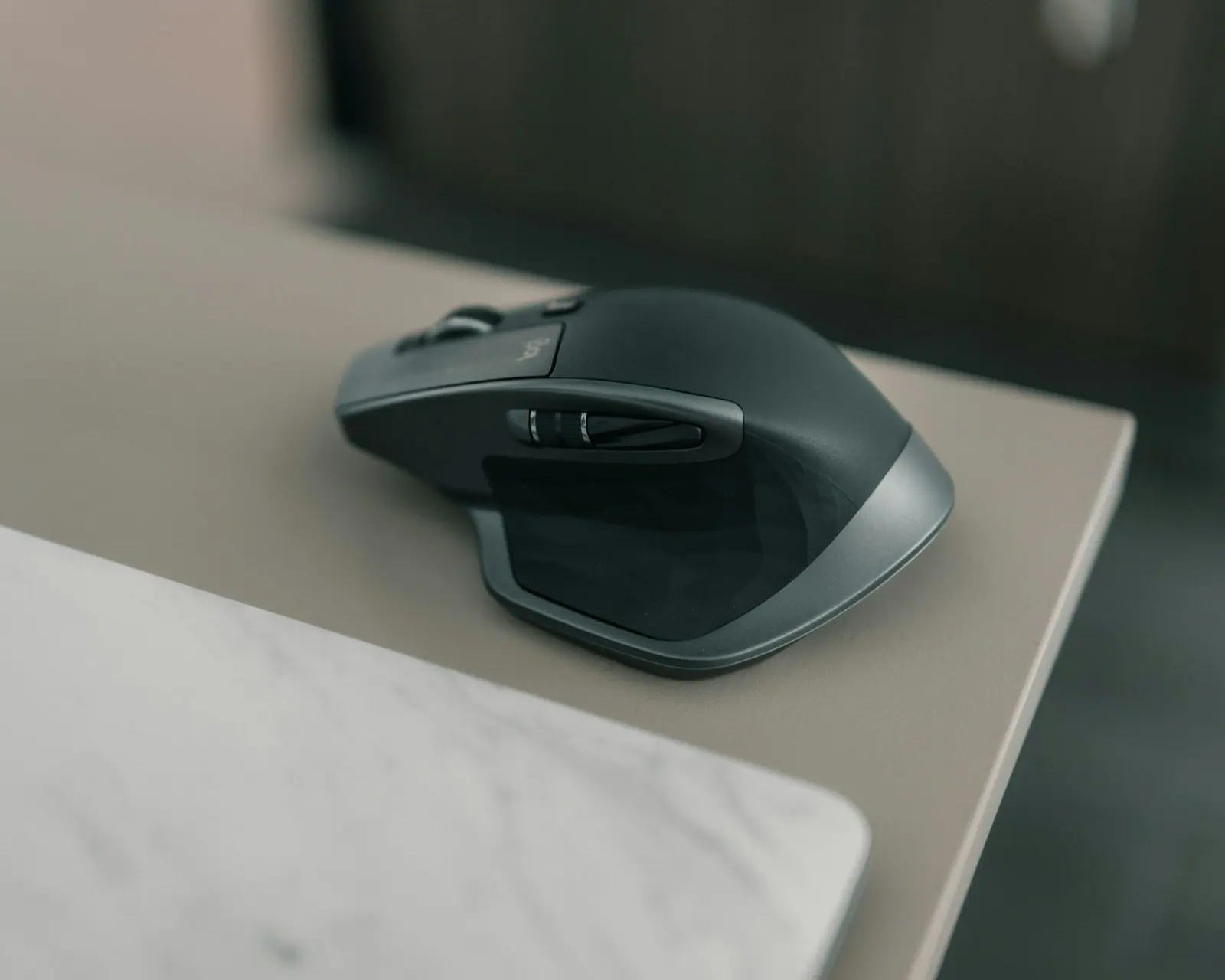
- An ergonomic mouse – special mice with a vertical grip minimise pressure on the wrist and help prevent carpal tunnel syndrome.
- A laptop stand – when using a laptop, the screen is often too low, making you lean your head forward. A laptop stand raises the screen to eye level, relieving tension in the neck.
- A footrest – if you cannot adjust the height of your chair so that your feet rest firmly on the floor, a footrest can help ensure the right body position.

Tips for preventing the health problems of sedentary work
Besides good ergonomics, regular movement and breaks are an important part of prevention. Here are some tips for avoiding the health problems associated with sedentary work:
- Regular breaks – take a short break every hour and stand up for a while. Ideally, walk around, stretch or do a few exercises to improve circulation
- Stretching exercises – simple stretches for the neck, back and arms can help relieve tension and improve posture
- Movement during the day – if possible, try to build more movement into your working day. For example, you can stand during phone calls or take a quick walk at lunchtime
- Correct breathing – focus on deep breathing, which improves oxygenation and can help reduce stress
- Hydration – drinking enough is key to maintaining concentration and good physical and mental health
Computer work is an integral part of modern life, but it is important to be aware of the risks it brings. Unfortunately, the health risks only appear after a long time. The key to preventing them is following the principles of good ergonomics, taking regular breaks and staying physically active. It is also important to use suitable aids that minimise the risk of health problems, such as blue light glasses or ergonomic mice. Investing in prevention definitely pays off, because long-term health complications can significantly affect the quality of both working and personal life.
Following health and safety principles is just as important in a digital working environment as in any other, so it pays to focus on creating conditions that support employees’ overall health and well-being.
Need advice on health and safety and fire protection?